PIX4Dfields 2.13: Basemap layers, Hylio support & more!
Create layers directly from basemaps
No drone flight yet? No processed map on hand? Start anyway.
In our latest PIX4Dfields update, we’re introducing a fast, lightweight way to kickstart your project: creating layers directly from the underlying basemap.
While PIX4Dfields offers low- and high-resolution satellite imports with precise capture dates and accuracy estimates, sometimes a standard basemap is all you need for a quick, visual reference. Although it lacks precise capture dates and accuracy metrics, a standard basemap is often ideal for everyday field planning. When the on-screen view already shows what you need, this feature instantly converts it into an editable layer for creating boundaries, spray outlines, or measurements—with no added costs or waiting time.
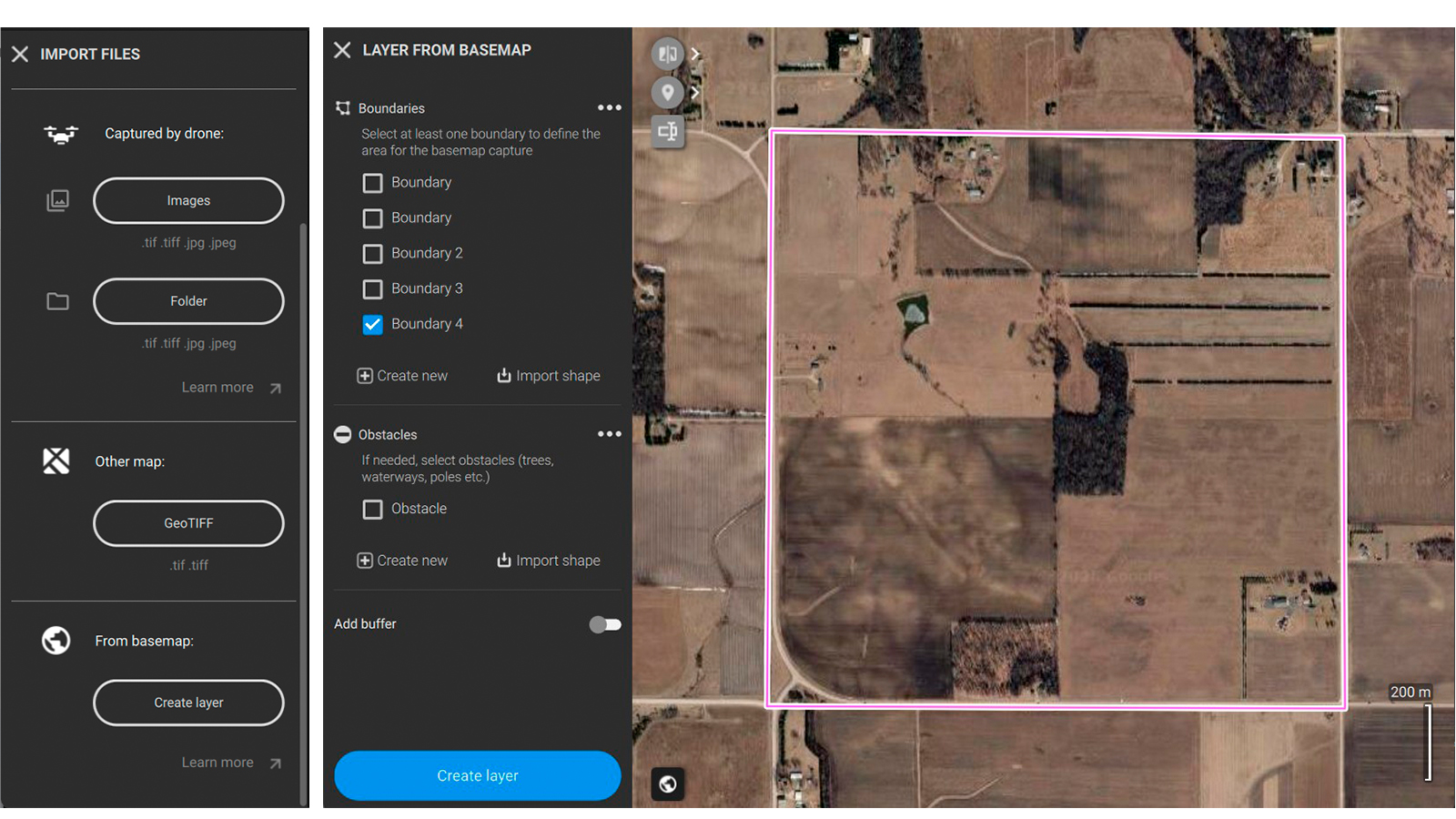
We know that when in the field, speed and convenience are what matter the most. Creating a layer directly for a basemap allows you to:
Prepare before going to the field: draw your annotations, mark field boundaries, and pin obstacles ahead of time so you can hit the ground running.
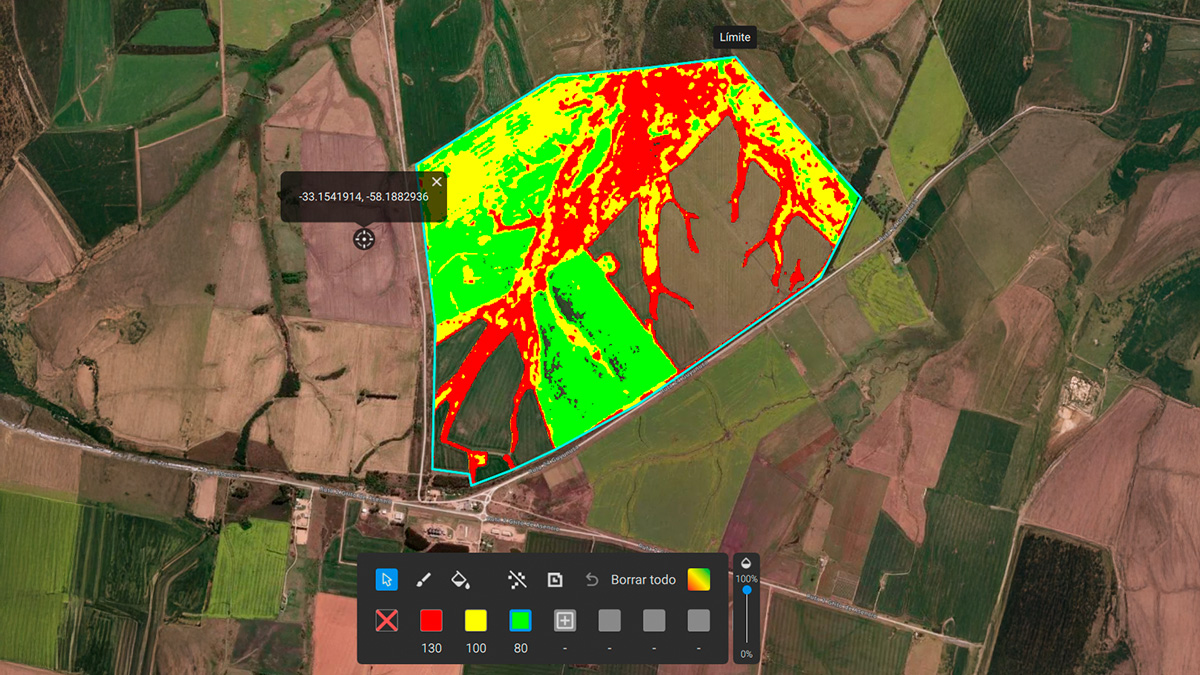
Quick spray-drone boundaries for aerial applicators: when you need to map out a quick spray boundary and high absolute precision isn't required, the basemap is often all you need to get the job done.
Instant estimates: need quick, rough measurements on a blank project? Create a basemap layer and start measuring in seconds.
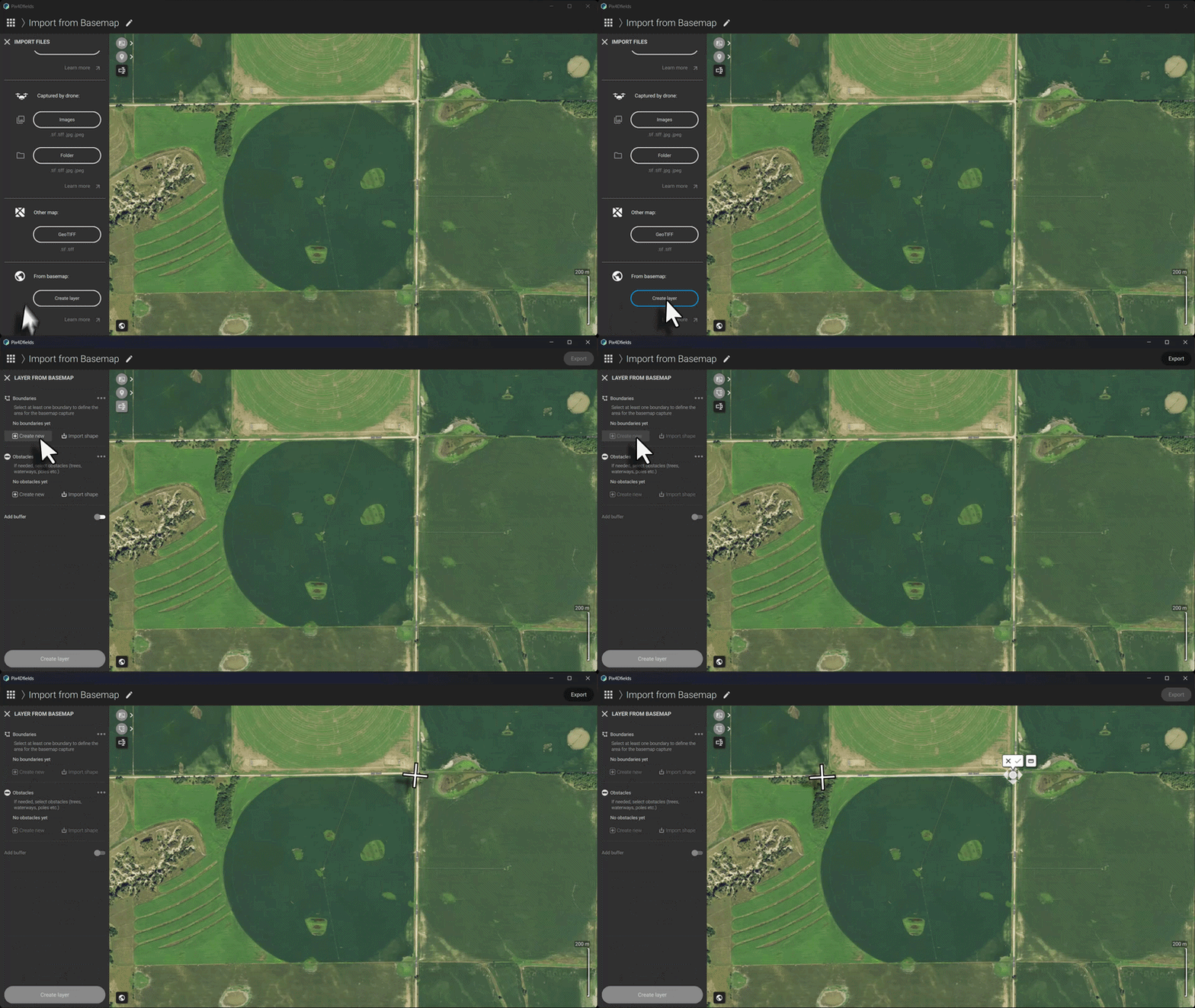
Learn how to create an editable layer from a basemap in PIX4Dfields in our support article.https://support.pix4d.com/hc/create-layer-from-basemap.
Layer tree: your new organized workspace
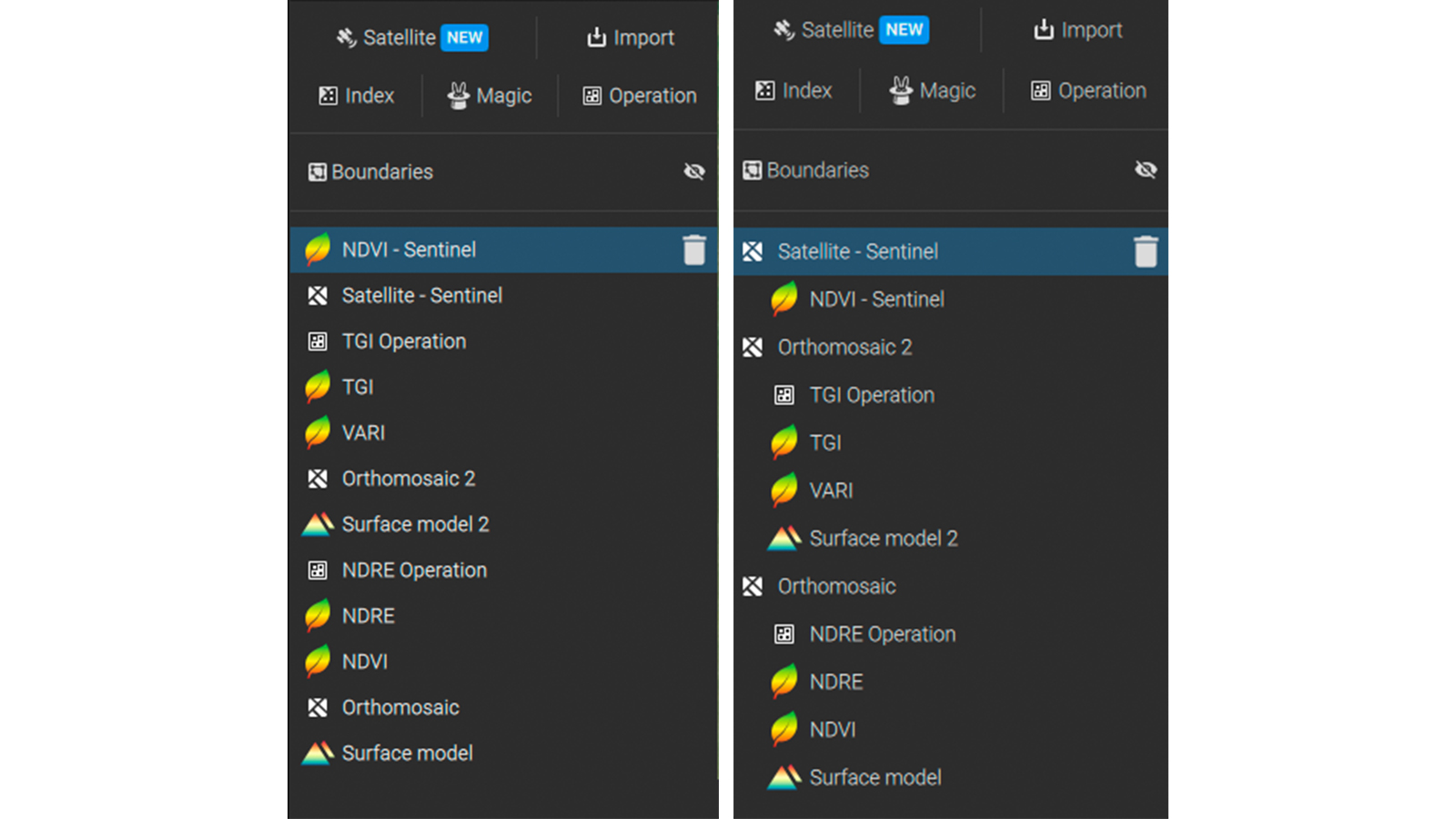
Layers originating from a single processing run are now grouped in the layer list using indentation, including generated outputs. PIX4Dfields automatically organizes your data logically, classifying all layers generated based on the layer type (vegetation index, digital surface model, prescription map, etc.). All layers are nested directly under the parent layer they came from, facilitating work especially when dealing with large projects.
More high-resolution satellite images available!
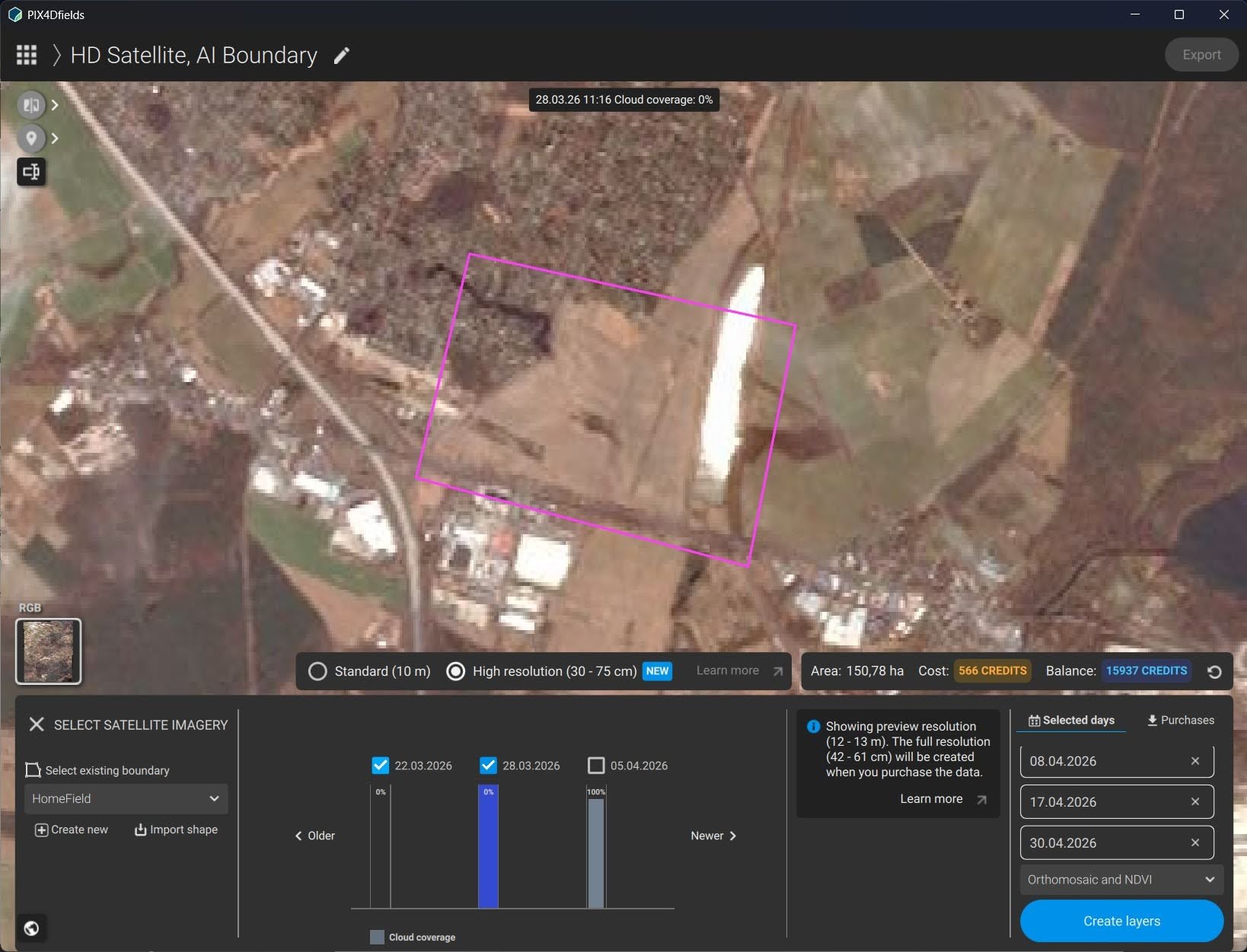
PIX4Dfields now supports the Vantor WorldView Legion constellation, increasing the general frequency of available high-resolution satellite data. The maximum size of the downloadable area is also increased, allowing users to download up to 2,000 ha of high-resolution satellite imagery with one order.
Hylio drones support: boundary missions
The latest update brings you support for Hylio, the first American-made spray drone! Users can now export boundary missions that are supported in the AgroSol GCS flight planning software of Hylio. Automatically mark your field boundaries with precise geolocation and offline in PIX4Dfields, directly upload the map to your Hylio spray drone, and let it do the field work accurately and safely within the given field boundaries!
Learn how to export prescriptions for targeted field applications using Hylio spray drones in our support article https://support.pix4d.com/hc/hylio-agrosol-gcs-boundary-mission-pix4dfields.
New spot spraying and VRA export formats, Targeted Operations and Magic Tool updates, and more!
PIX4Dfields now supports export formats for spot spraying and variable rate applications for Horsch Terminals.
Targeted Operations improvement
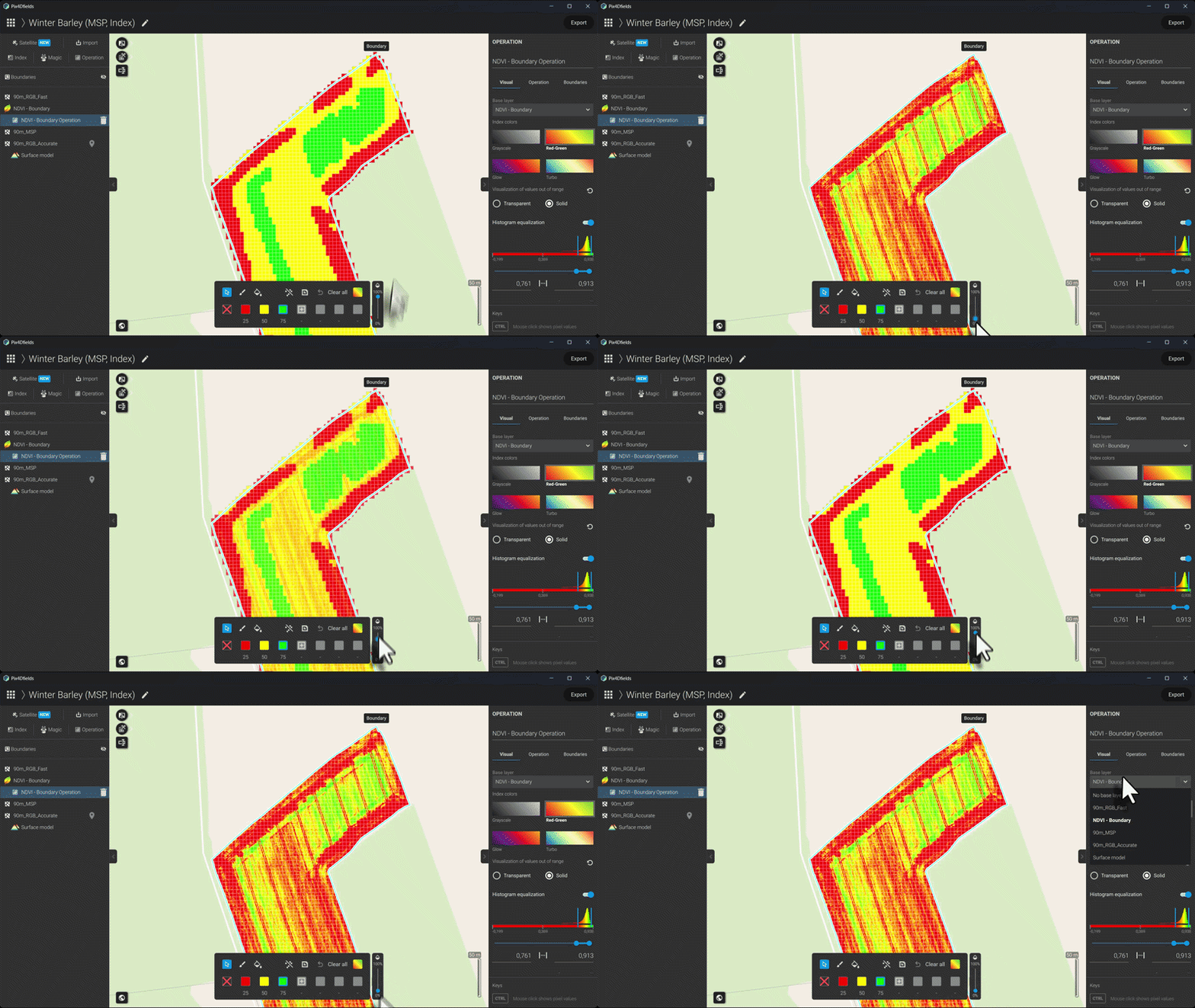
It is now possible to switch the underlying base layer of a targeted operation's prescription map after creating it. This is useful, for example, when planning a mission based on a vegetation index map such as an NDVI, but then later want to compare the prescription maps against the RGB orthomosaic or digital surface model with the transparency tool. Especially for verifyinggreen on brown workflows, this update adds convenience to make sure that the result is exactly as expected.
Magic Tool: faster and better detection
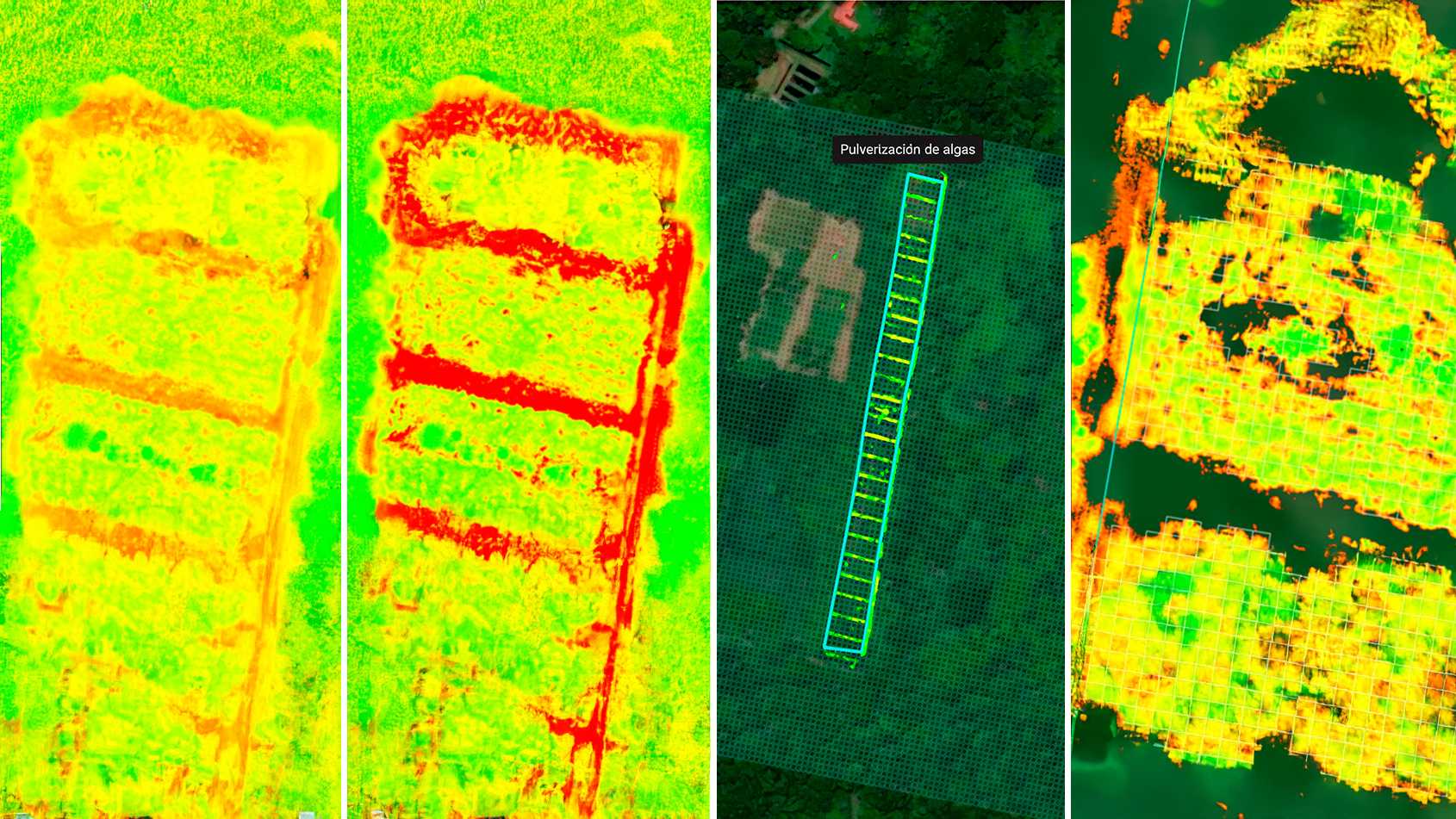
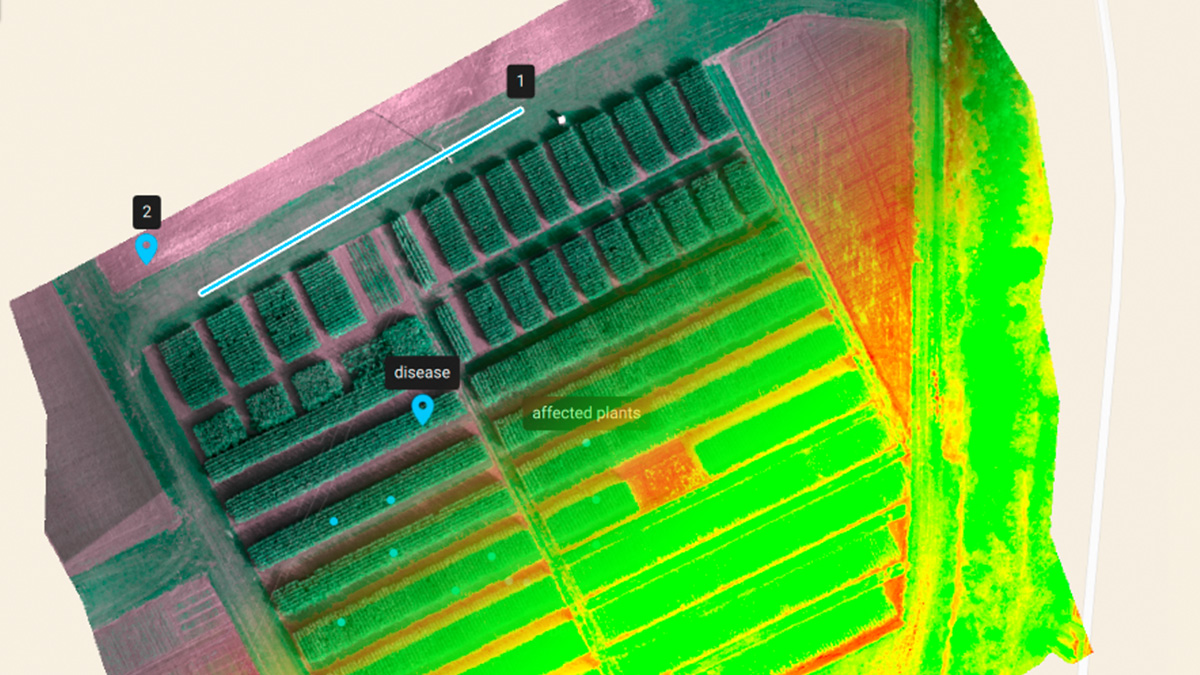
The Magic Tool’s new AI model improves automatic detection capabilities across RGB and multispectral drone datasets, with stronger performance on real-world field variability of row crops and green-on-green scenarios. This means more accurate and faster first detection of weeds, anomalies, and object maps with less manual refinement. We appreciate all users who continue to voluntarily share their data with us so we can deliver those improvements, tailored to their crops and needs!