


PIX4Dmatic
The ultimate desktop solution for turning any aerial or terrestrial capture into precision geospatial data and clean, CAD-ready vectors

Simplified Chinese, Traditional Chinese, Korean, German, Portuguese, Turkish, Czech, Ukrainian

Are you ready to go big?
From raw capture to CAD and GIS-ready deliverables, combine large-scale processing and survey-grade extraction in a single workflow.

A seamless path to CAD/GIS
All in one workflow. Process your data and finish your survey work in the same workspace. No switching tools, no breaking context, just a smooth path from capture to deliverables.

Process big projects without slowing you down
Work with large datasets while keeping the level of accuracy. You can process more data in less time, without splitting projects or cutting corners.

Measurements you can trust
Create terrain models, vectors, and volume calculations directly on the processed data. Results stay consistent and reliable, even on complex sites.

Outputs ready for CAD and GIS
Export clean, well-structured files that drop straight into CAD or GIS software. No rework, no extra formatting, just files that are ready to use.

Built for the Pix4D ecosystem
Capture with PIX4Dcatch, process and extract with PIX4Dmatic, then export it to PIX4Dcloud for sharing and collaboration. A connected workflow that keeps data consistent from the field to the office and beyond.
Integrated processing and surveying workflow

Integrated processing and surveying workflow
 Calibration and georeferencing
 3D reconstruction and surface generation
 Terrain modelling and refinement
 Feature extraction and vectorization
 Measurements and quantitative analysis
 Export and share

Essential outputs, in a fraction of the time
without compromising accuracy
Point cloud
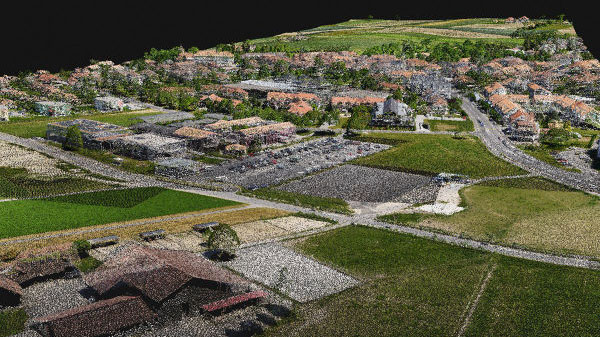
Generate a dense point cloud, create a depth point cloud or fuse them according to the needs of your project and create the best reconstruction possible.
Export formats:
.laz
.las
.xyz
Orthomosaic
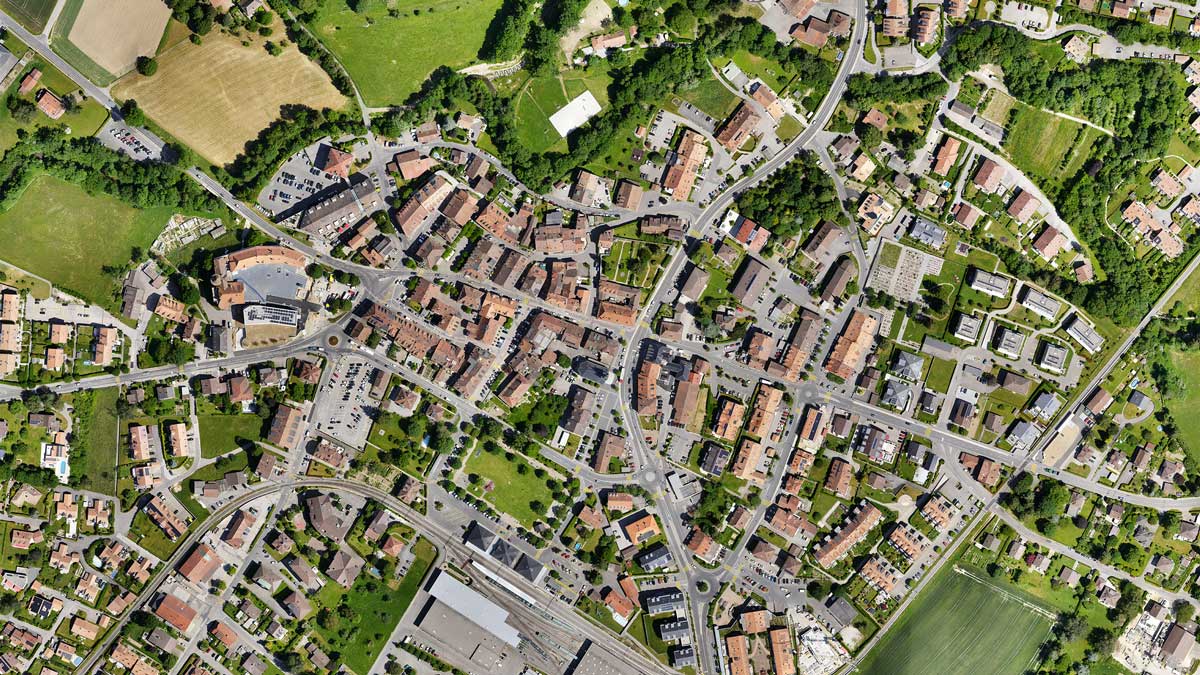
Create orthomosaics that are geometrically corrected such that the scale is uniform. They are color balanced in order to be visually pleasing.
Export formats:
.tiff (GeoTIFF)
.jpg (Georeferenced with .jgw)
.tfw
.prj
Gaussian Splatting

Generate a 3D Gaussian Splat, enhance the scene details automatically, or combine it with your existing data to create the most photorealistic visualization possible.
Export formats:
.ply
Mesh
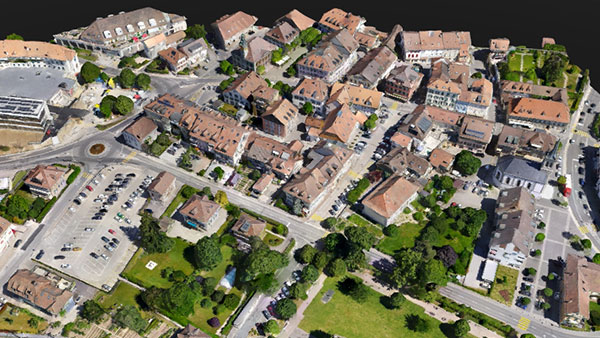
Generate a 3D textured mesh by defining the texture size and decimation criteria and view it either in textured or shaded mode.
Export format:
.obj
.slpk
Cesium 3D Tiles
.laz
.fbx
Digital surface model (DSM)

Generate a digital representation of all objects in the mapped area. It includes natural features as well as elevated objects, like buildings.
Export formats:
.tiff (GeoTIFF)
Digital terrain model (DTM)
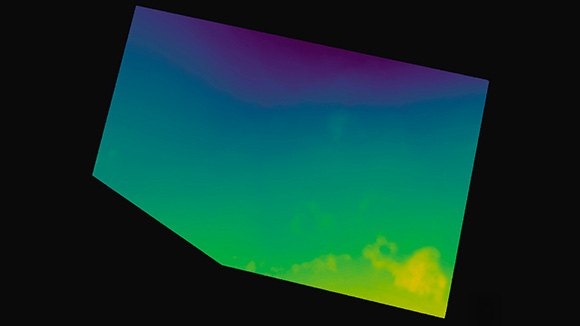
Generate a digital terrain model (DTM) by filtering non-terrain points to represent the bare earth surface, suitable for engineering analysis and survey workflows.
Export formats:
.tiff (GeoTIFF)
Terrain classification
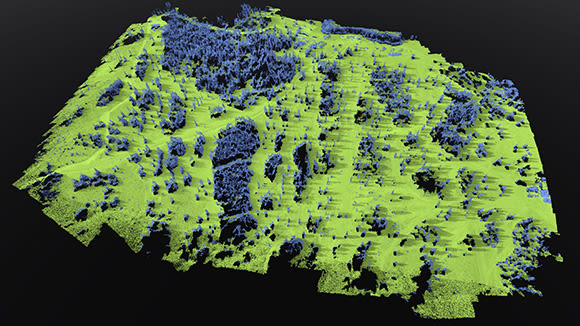
Classify point cloud data into ground and non-ground classes to support accurate terrain modelling and survey analysis.
Export format:
.LAS (.las)
.LAZ (.laz)
Grid of points
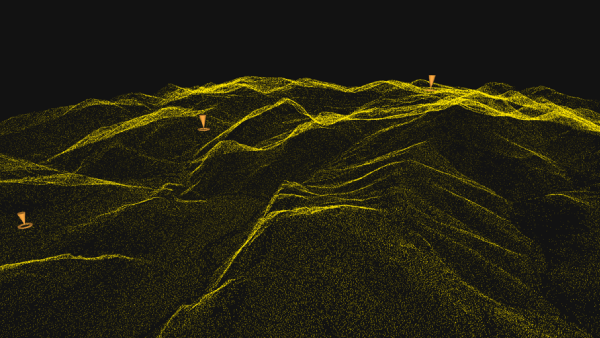
Generate a structured grid of evenly spaced points across the mapped area, capturing precise spatial positions to enable accurate measurements and reliable modeling.
Export format:
.dxf
.zip (shp)
.shp
TIN
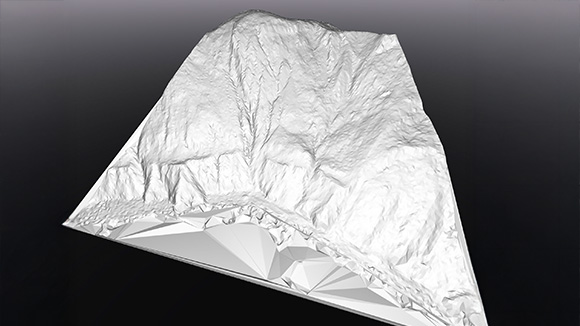
Generate a terrain TIN by classifying ground points and defining surface resolution, then visualise it as a structured triangulated surface for terrain analysis and measurements.
Export format:
.LandXML
.GeoTIFF format (.tif)
Contour lines
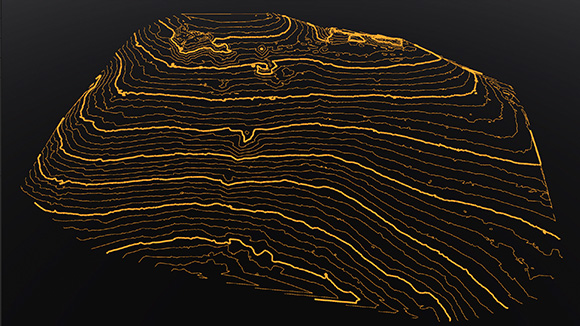
Generate contour lines directly from terrain models at defined intervals for mapping and survey deliverables.
Export formats:
.dxf
.shp

What PIX4Dmatic users say
“PIX4Dmatic offers us precision, speed, and ease of use. With a single software suite, we can extract valuable information for tourism, risk management, and urban planning in a matter of hours.”
Operational Manager
JAB Visual Ltda
“We've been with Pix4D since the beginning, and their software's growth has directly empowered ours. On a project like this, where every hour counted, the processing speed of PIX4Dmatic was a game-changer. Being able to process a city-wide dataset and then share it instantly on PIX4Dcloud for collaborative action is a testament to how Pix4D’s software has evolved. The team at Pix4D is able to provide the tools that let us deliver not just data, but critical, time-sensitive solutions"
COO
West Coast Aerial Photography, Inc.
“We love working with PIX4Dmatic because it consistently delivers accurate and reliable results. We trust it for all our processing needs and enjoy using its intuitive tools to support our environmental and mapping projects."
Costa Rica Flying Labs Coordinator
&
Hanzel Leon Costa Rica Flying Labs Research Assistant
PIX4Dmatic is changing the face of surveying and mapping
Drone mapping a 1,500-acre golf course with PIX4Dmatic
For high precision and speed, a land surveyor used PIX4Dmatic to map a large golf course in just three weeks, processing over 11,000 images
Learn more >
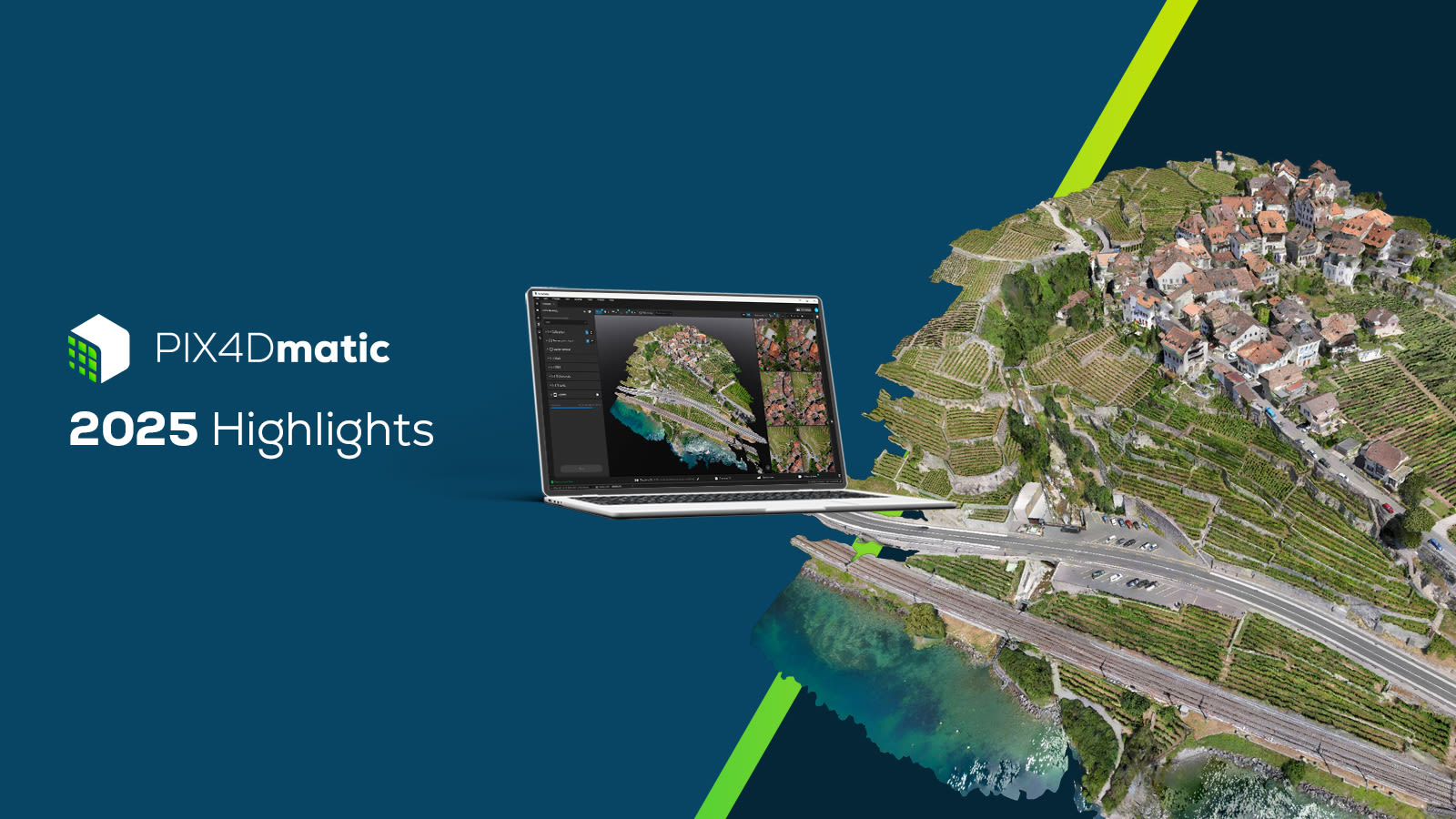
PIX4Dmatic highlights 2025
A new orthomosaic editor, combine LiDAR point clouds with drone data, LandXML volume calculations, more accurate vector drafting & more!!
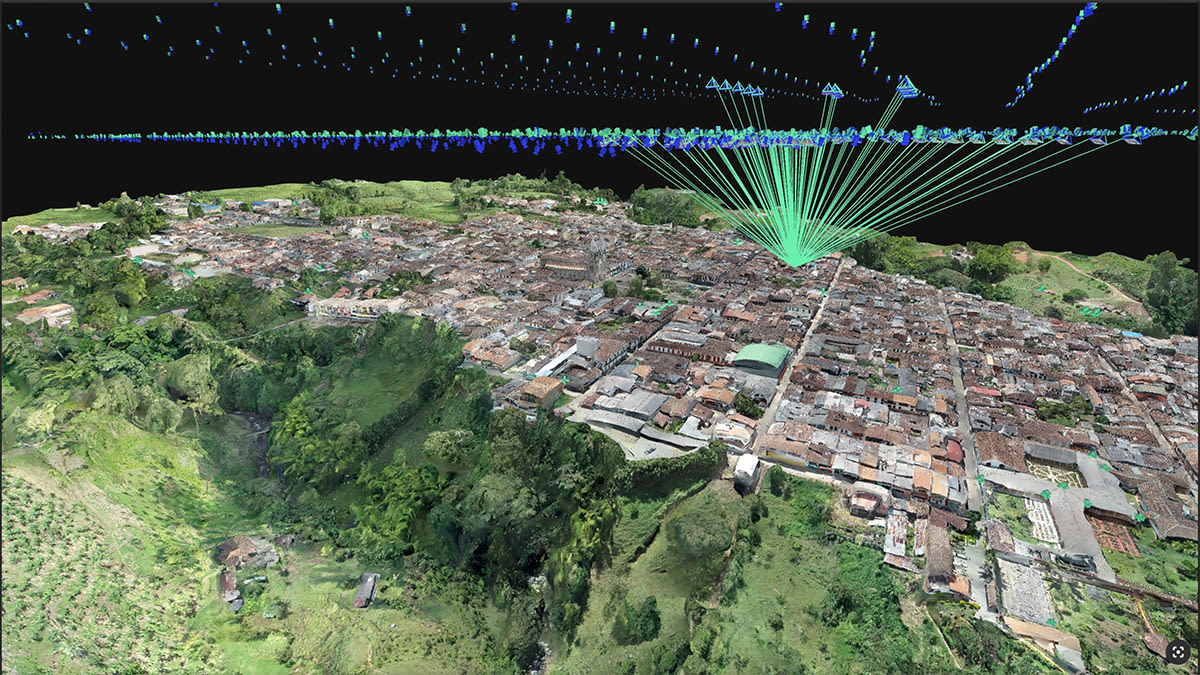
Cadastral digitization made easy with PIX4Dmatic
Processing and validating data for a cadastral survey with PIX4Dmatic reduced weeks of work to hours, minimizing time spent on-site!
Learn more >